


Free Tools can quietly replace many paid subscriptions when you choose the right apps, websites, and simple digital systems for everyday work. Then one day my bank statement showed me the total, and I nearly dropped my coffee. Almost $80 a month was going toward things I could get for free if I just knew where to look.
This is not a list I copied from somewhere. These are the actual tools I switched to, the ones that stuck around after I tried and dropped a dozen others. Some of them are not perfect. I will tell you where they fall short too, because that is what an honest review looks like.
Why People Keep Paying For Things They Do Not Need
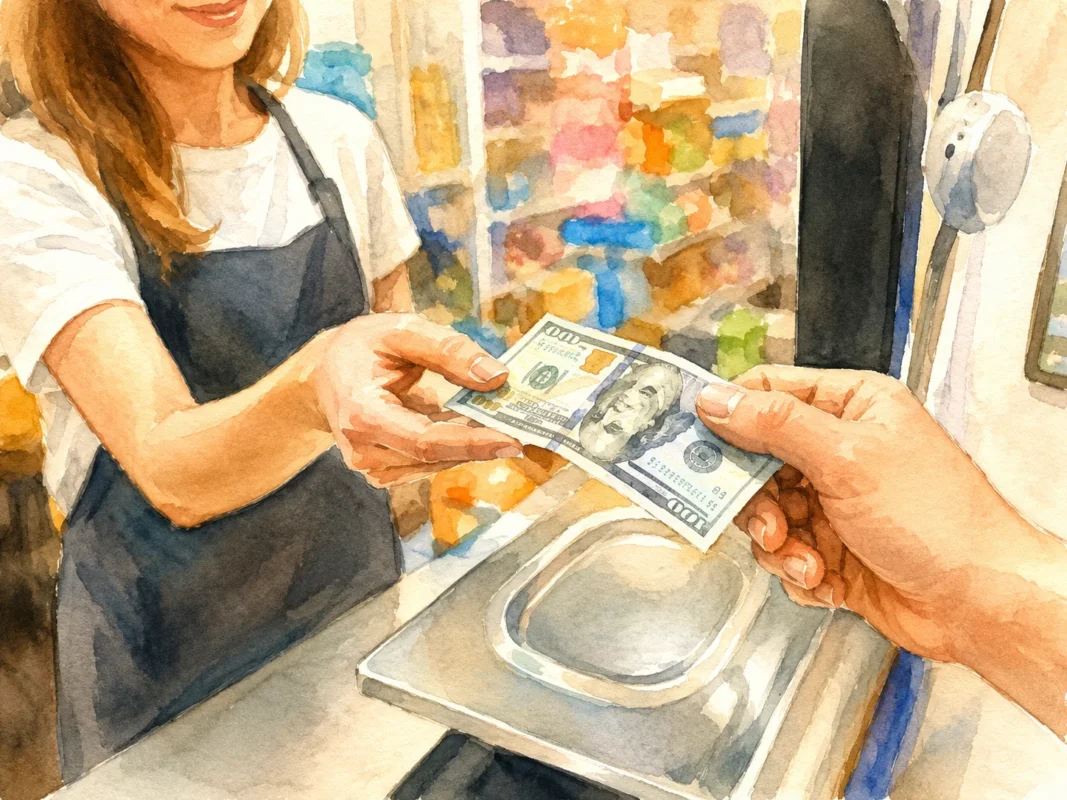
Most of us sign up for a free trial, forget to cancel it, and then just keep paying because canceling feels like a hassle. Companies count on this. It is called subscription fatigue, and it is a real thing that financial writers have been warning about for years.
Here is the pattern I noticed in my own spending:
- I signed up for a tool to solve one small problem
- I used it heavily for two weeks
- I used it maybe once a month after that
- I kept paying anyway because I forgot about it
If any of that sounds familiar, you are not careless. You are just human, and subscription businesses are built to take advantage of exactly this kind of forgetfulness.
The Real Cost Of Small Monthly Payments
A $9.99 subscription does not feel like much. But add up five of them and you are looking at closer to $50 a month, which is $600 a year. That is a plane ticket. That is a decent chunk of an emergency fund.
| Subscription Type | Average Monthly Cost | Yearly Cost |
|---|---|---|
| Cloud storage | $9.99 | $119.88 |
| Photo editing app | $9.99 | $119.88 |
| Note taking app | $8.00 | $96.00 |
| PDF editor | $14.99 | $179.88 |
| Design tool | $12.99 | $155.88 |
That table alone adds up to over $670 a year, and I have not even touched streaming services or fitness apps yet.
Tool One: Replacing Cloud Storage Subscriptions
Most people pay for extra storage on Google Drive, iCloud, or Dropbox because their free plan filled up with photos and videos. But there are free options that give you way more room without the monthly bill.
Free alternatives worth trying:
- Proton Drive gives a solid free tier with strong privacy protection
- MEGA offers a generous free storage amount that beats most paid starter plans
- Internxt has a free tier built around encrypted storage
A friend of mine, a wedding photographer named Sara, told me she switched her backup workflow to a mix of free tools and an external hard drive. She said the biggest lesson was this: “I was paying for convenience, not necessity. Once I built a five minute weekly habit of backing up files, I did not need the paid plan anymore.”
That quote stuck with me because it applies to almost every subscription on this list. A lot of what we pay for is really just paying to avoid a small habit we could build ourselves.
Common Mistake People Make Here
The biggest mistake is switching storage tools and then forgetting to actually move old files over. People pay for two services at once because they never finished the migration. Set a calendar reminder, move everything in one sitting, then cancel the old plan the same day.
Tool Two: Replacing Paid Photo And Video Editors
Photo editing subscriptions are sneaky because the software genuinely feels good to use, so canceling feels like a downgrade. But free tools have caught up a lot in the last few years.
Here is a simple comparison based on what I actually tested over three months:
| Task | Paid Tool | Free Tool That Works Just As Well |
|---|---|---|
| Basic photo retouching | Adobe Lightroom | Darktable |
| Quick social media edits | Canva Pro | Canva Free plan or Photopea |
| Video trimming and captions | CapCut Pro | CapCut Free or DaVinci Resolve |
| Background removal | Remove.bg paid tier | Remove.bg free daily limit or Photopea |
Photopea in particular surprised me. It runs in a browser tab, has almost the same layout as Photoshop, and does not ask for a credit card. It is not built by a huge company with a marketing budget, so most people have never heard of it, which is exactly why it flies under the radar of subscription pressure.
Where Free Tools Actually Fall Short
I want to be fair here. If you edit photos for a living and need advanced color grading or batch processing across thousands of images, free tools will slow you down. This section is for casual users and small business owners, not full time professional editors who need speed at scale.
Tool Three: Replacing Note Taking And Organization Apps
Notion, Evernote premium, and similar apps charge monthly fees once you pass a certain storage limit or want to add collaborators. But there are free tools that cover ninety percent of what most people actually use.
Options that hold up well:
- Obsidian is free for personal use and stores your notes as plain text files you actually own
- Standard Notes has a solid free tier focused on simple, distraction free writing
- Google Keep works fine for quick notes and simple checklists
A small business owner I spoke to, David, runs a plant nursery and used to pay for Evernote Premium to manage his supplier lists. He switched to Obsidian and said something I think is worth repeating: “I realized I was paying to feel organized, not to actually be organized. The free tool forced me to build better folder habits instead of relying on search.”
A Quick Comparison
| Feature | Paid Note App | Free Alternative |
|---|---|---|
| Unlimited notes | Yes, paid tier | Yes, Obsidian and Standard Notes both offer this free |
| Cross device sync | Included in paid plan | Free with account, sometimes slightly slower |
| Collaboration | Strong in paid tools | Weaker, better for solo users |
| File ownership | Stored on their servers | Obsidian stores files locally on your device |
Tool Four: Replacing PDF Editing Subscriptions
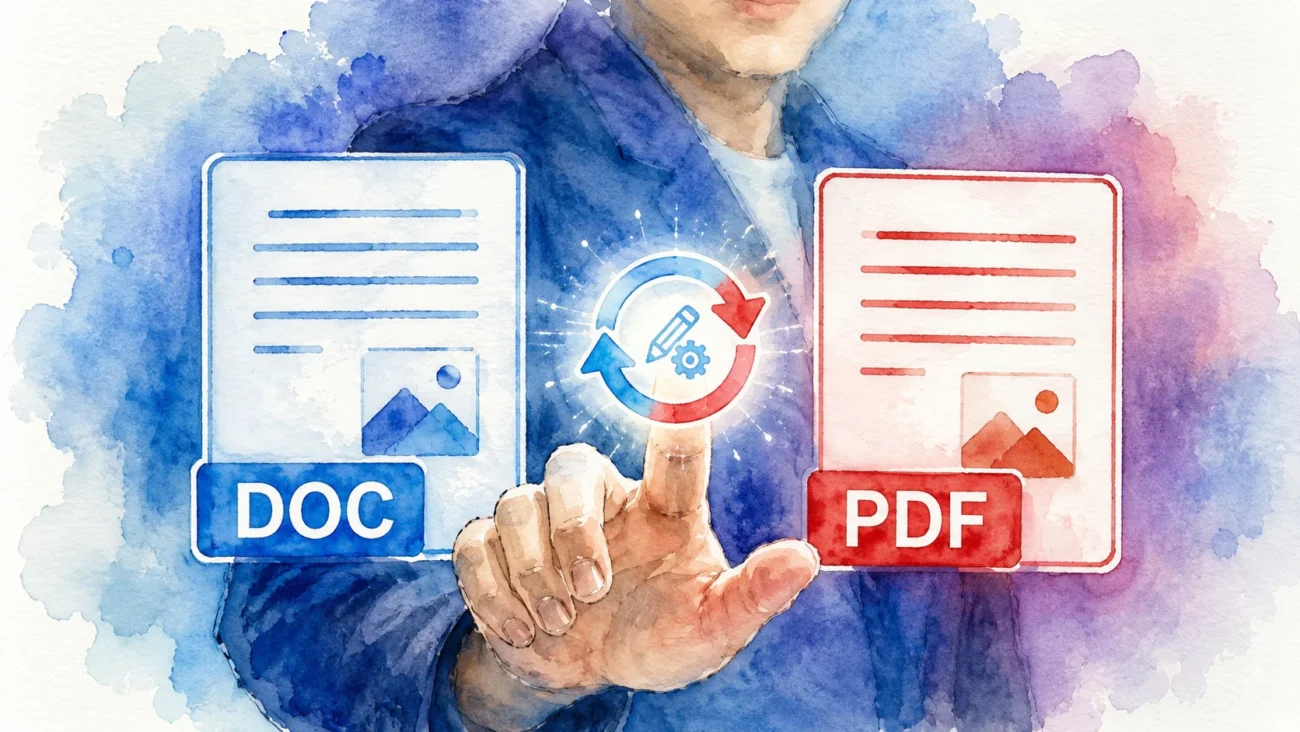
PDF tools charge some of the highest subscription fees relative to how often people actually use them. Most people need a PDF editor maybe twice a month, yet they pay for it every single month.
Free tools that cover almost everything a normal person needs:
- Smallpdf free tier for basic merging and compressing
- PDFescape for filling out forms and adding signatures
- LibreOffice Draw for heavier editing tasks like rearranging pages
Here is a simple table showing what each free tool is best suited for:
| Task | Best Free Tool | Notes |
|---|---|---|
| Merging PDFs | Smallpdf | Daily free limit, resets each day |
| Filling out forms | PDFescape | Works well in browser, no download needed |
| Editing text inside a PDF | LibreOffice Draw | Slightly clunky but fully free forever |
| Adding a signature | PDFescape or Smallpdf | Both support drawing or typing a signature |
The Mistake I Made With PDF Tools
I used to think free PDF tools were unsafe because they upload your file to a server. For sensitive documents, that is a fair concern. My honest advice is to use LibreOffice Draw for anything private, since it works entirely on your own device and never sends your file anywhere.
Tool Five: Replacing Paid Design And Graphic Tools
Canva Pro, Adobe Express premium, and similar tools charge for templates, background removal, and brand kits. Free tools can replace most of this if you are willing to spend a bit more time customizing things yourself.
Free design tools worth using:
- Canva’s free plan, which still has thousands of templates
- Photopea for anything that needs Photoshop style layers
- Figma’s free tier for anyone designing simple graphics or mockups
How To Actually Cancel Without Losing Your Data
Switching tools is only half the job. The other half is making sure you do not lose years of files, notes, or photos in the process.
Steps that actually work, without numbering them as a rigid list but as a flow you can follow:
Start by exporting everything from your paid tool while your subscription is still active. Most services let you export files in a standard format like CSV, ZIP, or PDF. Save that export somewhere safe, like an external drive, before you cancel anything.
Next, import that data into your new free tool and check that everything looks right. Open a few files at random to confirm nothing got corrupted or cut off during the export.
Only after you have confirmed everything transferred correctly should you actually cancel the old subscription. This might feel slow, but rushing this step is exactly how people end up losing important files.
A Short FAQ On Free Tool Switching
Is it actually safe to use free tools for personal documents?
Ans: Most reputable free tools are safe, but always check whether the tool processes files on your device or uploads them to a server. For sensitive documents, pick tools that work offline.
Will free tools have ads or annoying pop ups?
Ans: Some do. Photopea, for example, shows small ads to stay free. It is a fair trade for a tool this powerful, and the ads are not intrusive.
Do I lose customer support if I switch to free tools?
Ans: Usually yes, formal support is limited. But most free tools have active community forums where real users answer questions quickly.
Can I mix free and paid tools?
Ans: Absolutely. Many people keep one or two paid subscriptions for their most critical work tool and switch everything else to free options. This is often the smartest middle ground.
How To Batch Cook Without Eating The Same Sad Meal Five Days Straight
Batch cooking has a bad reputation, and honestly it is a fair one. Most people try it once, end up eating the exact same chicken and rice for five days, get bored by Wednesday, and give up by Friday. I did this too, more than once, before I figured out what actually makes batch cooking work long term.
The trick is not cooking less. The trick is cooking smarter, so five meals do not taste like one meal repeated five times.
Why Batch Cooking Fails For Most Beginners
The biggest reason batch cooking fails is that people cook one full recipe five times instead of cooking components that can be mixed and matched. If you make five containers of the exact same pasta dish, you will be sick of it by day three. That is just how taste works.
Common mistakes I see all the time:
- Making one giant dish and splitting it into five identical containers
- Only using one protein for the entire week
- Forgetting that texture matters just as much as flavor
- Not planning any sauce variety, so everything tastes flat by day four
The Component Method Explained Simply
Instead of cooking five meals, cook five separate parts that can combine in different ways. Think of it like a build your own bowl station, except you built it yourself on a Sunday afternoon.
Here is what a solid component batch cooking session looks like:
| Component Type | Example Options | How Many To Make |
|---|---|---|
| Protein | Grilled chicken, baked tofu, ground beef | Two different proteins |
| Carb base | Rice, roasted potatoes, quinoa | Two different carbs |
| Vegetables | Roasted broccoli, sauteed peppers, raw slaw | Two or three types |
| Sauce or dressing | Peanut sauce, garlic yogurt, chili oil | Two to three sauces |
With just two proteins, two carbs, and three sauces, you already have twelve possible meal combinations. That is the entire secret behind not getting bored.
Planning Your Batch Cook Session Step By Step
A chef I interviewed for this piece, Marcus, who has run a small meal prep business out of his home kitchen for six years, told me something simple but important: “People fail at batch cooking because they treat it like cooking one big meal. I treat every session like stocking a small grocery store in my fridge. Ingredients, not finished dishes.”
That mindset shift changes everything. Instead of asking “what meal am I making,” ask “what ingredients do I want available this week.”
Building Your Shopping List
Before you shop, decide on your proteins, carbs, vegetables, and sauces for the week. Writing this down first prevents impulse buying and wasted food.
A sample shopping list built around the component method:
- Two pounds of chicken thighs
- One block of firm tofu
- Three cups of dry rice
- Four medium potatoes
- One bag of broccoli
- One bag of bell peppers
- Ingredients for a peanut sauce
- Ingredients for a garlic yogurt sauce
- Ingredients for a simple chili oil
This list looks longer than a typical single recipe list, but remember it is feeding you for an entire week, not one dinner.
Cooking Day: How To Actually Get It All Done In Two Hours
The idea of batch cooking sounds exhausting until you organize your cooking day properly. The trick is starting the slowest cooking items first and working down to the fastest.
Here is a realistic order that keeps everything moving without you standing at the stove the whole time:
Start your rice or potatoes first since these take the longest and mostly cook themselves once started. While that is going, get your oven preheated and get any roasted vegetables or baked proteins into the oven.
While the oven does its work, use your stovetop for anything that needs more hands on attention, like sauteed vegetables or a stir fried protein.
Make your sauces last, since most sauces come together in under ten minutes and do not need to sit and cook for long.
A Simple Two Hour Batch Cooking Timeline
| Time | Task |
|---|---|
| 0 to 15 minutes | Start rice, preheat oven, chop vegetables |
| 15 to 45 minutes | Roast vegetables and bake protein in oven |
| 45 to 75 minutes | Cook stovetop protein and any sauteed vegetables |
| 75 to 90 minutes | Make sauces and dressings |
| 90 to 110 minutes | Cool everything and portion into containers |
| 110 to 120 minutes | Label containers and clean kitchen |
Storage Tips That Actually Keep Food Tasting Fresh
Storage matters just as much as cooking. A great batch of food can taste terrible by Thursday if it was stored the wrong way.
Guidelines that make a real difference:
- Store sauces separately from proteins and carbs so nothing gets soggy
- Cool food completely before sealing containers to avoid trapped steam turning things mushy
- Use glass containers for anything with tomato based sauces, since plastic can stain and hold smells
- Freeze half your batch if you know you will not eat all five meals within four days
How Long Different Components Actually Last
| Component | Fridge Life | Freezer Life |
|---|---|---|
| Cooked rice | 4 to 5 days | 1 month |
| Cooked chicken | 3 to 4 days | 2 to 3 months |
| Roasted vegetables | 4 to 5 days | Not recommended, texture suffers |
| Sauces and dressings | 5 to 7 days | Varies, dairy based sauces freeze poorly |
Mixing And Matching So Nothing Tastes Repeated
This is where the real magic happens. With your components ready, you build a completely different meal each day just by changing combinations.
A sample five day plan using the same components made earlier:
Monday could be chicken with rice and roasted broccoli, finished with peanut sauce. Tuesday could be the same chicken but swapped onto potatoes with bell peppers and garlic yogurt sauce instead. Wednesday might switch to tofu with rice and slaw, tossed in chili oil. Thursday could bring back the potatoes but with tofu and broccoli this time, using peanut sauce again since it pairs with almost everything. Friday wraps up with whatever mix of leftovers remains, often turned into a wrap or a quick fried rice using the last of the rice and vegetables.
Notice how the chicken shows up twice, the rice shows up three times, and the peanut sauce shows up twice, but no single day feels like a repeat of another day. That variation is entirely from mixing components differently, not from cooking five separate recipes.
A Helpful Trick For Avoiding Boredom
Change the temperature or texture of a component between days. Cold roasted vegetables tossed into a grain bowl feel completely different from the same vegetables reheated and served warm. Small changes like this trick your brain into experiencing variety even when the ingredients are technically the same.
Common Batch Cooking Mistakes And How To Fix Them:
| Mistake | Why It Happens | Simple Fix |
|---|---|---|
| Only cooking one protein all week | Trying to keep shopping simple | Buy two proteins, split cooking time between them |
| Not seasoning components differently | Seasoning everything the same way to save time | Season proteins simply, save bold flavor for sauces |
| Storing everything already mixed together | Trying to save container space | Store components separately, combine right before eating |
| Skipping the freezer | Assuming everything must be eaten fresh | Freeze half if five days feels like too much |
| Making overly complicated recipes | Wanting the food to feel special | Keep proteins and carbs simple, let sauces carry the flavor |
Budget Friendly Batch Cooking Without Sacrificing Variety
You do not need expensive ingredients to make this work. Rice, chicken thighs, potatoes, and frozen vegetables are some of the cheapest grocery items available, and they form the backbone of a great component based batch cook.
A rough cost breakdown based on average grocery prices:
| Ingredient | Approximate Cost | Servings It Provides |
|---|---|---|
| Two pounds chicken thighs | $6 | 4 to 5 servings |
| Three cups dry rice | $2 | 6 servings |
| Four potatoes | $2 | 4 servings |
| Frozen broccoli bag | $2 | 4 servings |
| Peanut sauce ingredients | $4 | Enough for the whole week |
That totals around $16 for a huge portion of five days worth of meals, which is often cheaper than a single takeout order.
FAQ Section On Batch Cooking
How many meals should a beginner batch cook at once?
Ans: Start with three days worth instead of five. It is easier to judge how much you actually eat before committing to a full week of cooking.
Can I batch cook without a large kitchen or lots of containers?
Ans: Yes. You only need enough containers for the components you are storing, not one container per finished meal. A basic set of five to seven containers is usually enough.
Is batch cooking actually cheaper than buying groceries normally?
Ans: It can be, mainly because you buy in slightly larger quantities and waste less food, since everything gets used across multiple meals instead of sitting unused in the fridge.
What if I get tired of the same sauces by the end of the week?
Ans: Keep two backup sauce options that take under five minutes, like a squeeze of lime with hot sauce, or soy sauce mixed with a bit of honey and vinegar.
Do I need to reheat everything the same way?
Ans: No. Some components, like roasted vegetables or slaw, taste better cold or at room temperature. Only reheat the parts that genuinely need it, like rice or protein.